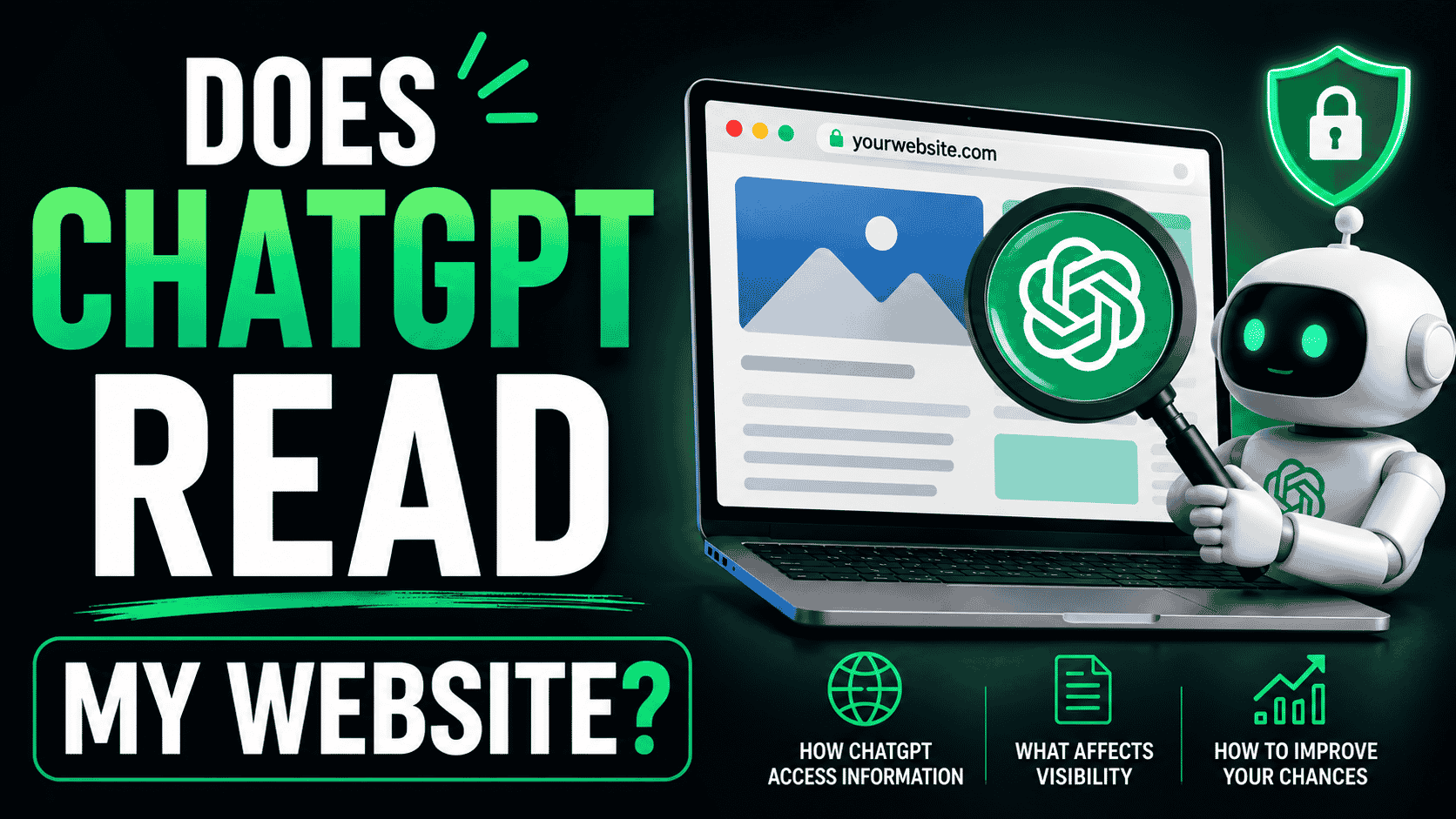
You probably have no idea whether ChatGPT can actually read your website. Most founders don’t until they test it. And when they do, they find out their entire site is invisible to ChatGPT, Perplexity, Claude and every other AI search engine.
In this guide, we’ll show you exactly how to find out if ChatGPT can read your website, why most sites are invisible, and what to do about it.
The Quick Answer: Does ChatGPT Read Your Website?
Probably not.
If you built your site on Lovable, Bolt, Replit or any JavaScript-heavy framework without server-side rendering, ChatGPT cannot read your website.
ChatGPT has a crawler called GPTBot. When GPTBot visits your site, it downloads the raw HTML and reads it. If your HTML is empty (which it is on client-side React apps), ChatGPT finds nothing. Your website is invisible to ChatGPT.
Here’s how to verify whether your site has this problem.
Method 1: Ask ChatGPT Directly (30 Seconds)
The simplest way to find out if ChatGPT knows about your website is to ask it.
- Open ChatGPT and make sure web search is enabled
- Search for your brand name: ‘Tell me about yourbrand.com’
- Does ChatGPT mention your website? Does it cite you?
If ChatGPT says ‘I don’t have information about yourbrand.com’ or doesn’t mention your site at all, ChatGPT cannot read your website.
If ChatGPT cites your website and references specific content from it, ChatGPT can read you.
Method 2: Check Perplexity (More Reliable)
Perplexity is more aggressive about web search than ChatGPT. If Perplexity can find your site but ChatGPT can’t, you have a visibility problem.
- Go to perplexity.ai
- Ask: ‘Tell me about yourbrand.com’ or search a specific topic your site covers
- Does Perplexity cite your website in the results?
Perplexity shows sources for every answer it gives. If your site isn’t in those sources, Perplexity can’t read you.
Method 3: Test With Specific Content (Most Accurate)
Ask ChatGPT a specific question that your website answers, using words from your actual content.
Example: If you wrote a blog post titled ‘How Lovable Sites Get Invisible to Google,’ search ChatGPT for: ‘Why are Lovable sites invisible to Google?’
If ChatGPT cites your blog post or references your content, ChatGPT can read you. If it cites a competitor or has no answer, your site is invisible.
Why Most Websites Are Invisible to ChatGPT
The reason is technical but the impact is simple.
ChatGPT’s crawler (GPTBot) downloads the HTML of your website. On client-side React apps built on Lovable, Bolt or Replit, the HTML is essentially empty.
All your actual content — your product description, your value proposition, your blog posts — only appears after JavaScript runs in a browser.
GPTBot is not a browser. It doesn’t wait for JavaScript to run. It reads the empty HTML, finds nothing to index, and moves on.
This is why vibe-coded sites are invisible to ChatGPT. Not because ChatGPT doesn’t want to index you. Because your site’s HTML is empty.
The Impact of Being Invisible to ChatGPT
What does invisibility to ChatGPT actually cost you?
Every day, millions of people ask ChatGPT questions. Some of those questions your website answers perfectly. But because ChatGPT can’t read your site, ChatGPT recommends competitors instead.
That’s lost traffic. Lost customers. Lost revenue.
ChatGPT discovery is a new distribution channel that didn’t exist two years ago. Getting invisible to this channel while it’s growing is a missed opportunity.
How to Fix It: Make Your Site Readable to ChatGPT
The fix is called prerendering. Prerendering detects when ChatGPT’s crawler (GPTBot) visits your site and serves it fully rendered HTML instead of the empty React shell.
When GPTBot gets fully rendered HTML, it reads your content. Your site enters ChatGPT’s knowledge base. ChatGPT can now cite you and recommend you.
Setup takes 5 minutes. No code changes to your existing Lovable, Bolt or Replit project.
How to Verify That ChatGPT Can Now Read Your Site
After you implement prerendering, don’t just assume it’s working. Verify it.
Check your prerendering dashboard’s bot logs. You should see GPTBot visits within 24 to 72 hours. Each log entry should show:
- The date and time GPTBot visited
- Which page it crawled
- Whether it received fully rendered content or empty HTML
If you see GPTBot visits with fully rendered pages, your site is now readable to ChatGPT. Test it again with Method 1 (ask ChatGPT directly). ChatGPT should now know about your site.
Does This Affect ChatGPT Plus Users Differently?
No. All ChatGPT users use the same knowledge base. Whether someone is using free ChatGPT or ChatGPT Plus, they see the same information and same citations.
If your site is readable to ChatGPT, all ChatGPT users can see it.
What About Other AI Search Engines?
If ChatGPT can’t read your site, neither can Perplexity, Claude or Gemini. The same prerendering solution works for all of them.
After implementing prerendering, you’ll be visible to:
- ChatGPT
- Perplexity
- Claude
- Gemini
- Google (traditional search)
- Bing
- Every other search engine and AI crawler
FAQ
If my site isn’t readable to ChatGPT, can I still get ChatGPT traffic?
Not from ChatGPT’s recommendations. You only get ChatGPT traffic if ChatGPT cites your site. If ChatGPT can’t read you, it can’t cite you.
How long does it take ChatGPT to start citing my site after I implement prerendering?
Usually 1 to 2 weeks. GPTBot crawls, your content enters the training data, and ChatGPT starts referencing you. This varies based on content relevance and crawl frequency.
Do I need to submit my site to ChatGPT like I do with Google Search Console?
No formal submission process exists. As long as your site is publicly accessible and readable (via prerendering), GPTBot will find you.
Will implementing prerendering affect my site’s performance for human users?
No. Prerendering only affects bots. Human users get the normal React app exactly as before.
The Bottom Line
Does ChatGPT read your website? Test it right now using one of the three methods above. If ChatGPT can’t find your site, your website is invisible.
That’s fixable in 5 minutes. After that, ChatGPT can read you. ChatGPT can cite you. ChatGPT can send you traffic.
Don’t leave that opportunity on the table.
Make Your Site Readable to ChatGPT
Verify that ChatGPT, Perplexity, Claude and Google can all read your site. Real-time bot logs show you exactly what each crawler sees.
Get started at crawllify.com