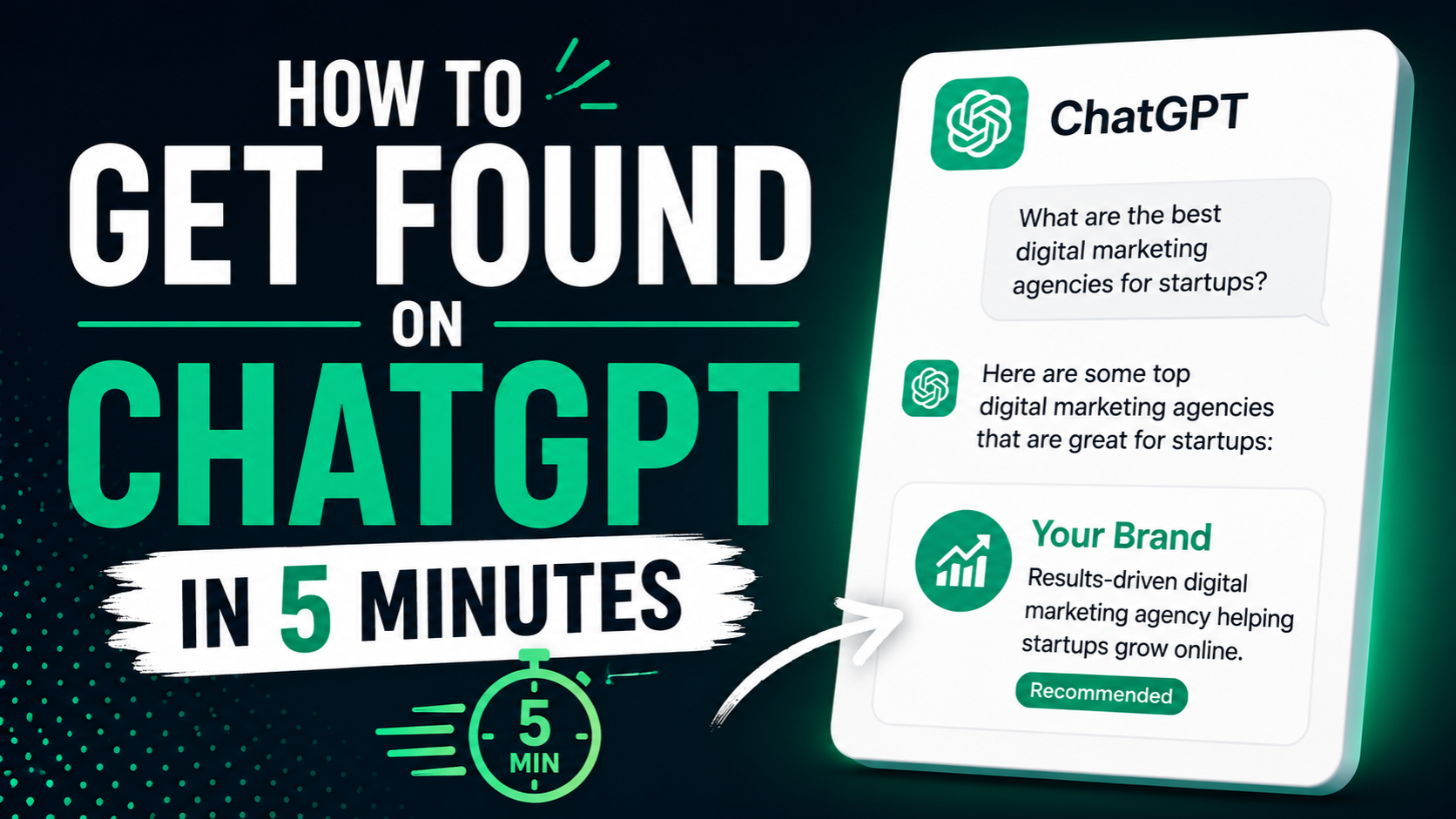
ChatGPT has 200 million weekly active users. If someone asks ChatGPT a question your website answers, ChatGPT might recommend you. But here’s the problem: most websites are completely invisible to ChatGPT’s crawler. Getting found on ChatGPT starts with one critical step.
In this guide, we’ll show you exactly how to get found on ChatGPT, why most sites stay invisible, and how to verify that your site is actually discoverable by ChatGPT, Perplexity, Claude and other AI search engines.
Why Getting Found on ChatGPT Matters (And Why Most Founders Ignore It)
ChatGPT discovery is different from Google ranking. You don’t need to rank for keywords. Instead, when someone asks ChatGPT a question your content answers, ChatGPT’s training includes your website and ChatGPT might cite you or recommend you as a source.
Think about how you use ChatGPT: you ask it a question, it synthesizes an answer from its knowledge base, and it cites sources. If your website is in ChatGPT’s knowledge base, you get cited. If you’re not, ChatGPT recommends your competitor instead.
The business impact is massive. ChatGPT referrals are high-quality traffic. People coming from ChatGPT recommendations are already interested in your solution. They convert better than organic search traffic in most cases.
Getting found on ChatGPT isn’t a nice-to-have anymore. It’s essential.
The Invisible Trap: Why Your Site Isn’t on ChatGPT
Before we talk about getting found on ChatGPT, you need to understand why you’re probably invisible right now.
ChatGPT has a crawler called GPTBot. When GPTBot visits your website, it downloads the raw HTML and reads it to build ChatGPT’s knowledge base. The problem: if your website is built on Lovable, Bolt, Replit or any client-side React framework, GPTBot downloads an empty HTML page.
Your entire website is JavaScript. The content only appears after JavaScript runs in a browser. GPTBot doesn’t wait for that. It reads the empty HTML, finds nothing, and moves on. Your website never makes it into ChatGPT’s training data.
This is why most vibe-coded sites are invisible to ChatGPT. Not because ChatGPT doesn’t want to index you. Because your site’s HTML is empty.
Same problem with Perplexity, Claude and every other AI search engine.
Step 1: Verify Your Site Is Invisible to ChatGPT (Takes 30 Seconds)
Before you do anything else, confirm that this is actually your problem.
- Open ChatGPT and enable web search
- Search for your brand name or domain
- Does ChatGPT cite your website or mention your company? If no, move to step 2.
Alternatively, search in Perplexity directly: ‘Tell me about yourbrand.com’. Can Perplexity find your site? If not, your site is invisible to AI search engines.
If you get zero results and zero mentions, your site is invisible. Keep reading.
Step 2: Fix the Root Problem — Make Your Site Readable to ChatGPT (5 Minutes)
Getting found on ChatGPT starts with one thing: making your website readable to GPTBot.
The solution is prerendering. Prerendering intercepts bot traffic and serves fully rendered HTML instead of the empty React shell. When GPTBot visits your site, it gets complete HTML with all your content. Your site becomes visible to ChatGPT’s crawler.
Setup takes under 5 minutes with zero code changes to your existing Lovable, Bolt or Replit project.
After prerendering is live, GPTBot will start crawling your site within 24 to 72 hours. Your content enters ChatGPT’s knowledge base. ChatGPT can now cite you and recommend you.
Step 3: Verify ChatGPT Can Actually See Your Site (Real-Time Monitoring)
Don’t just set up prerendering and hope it works. Verify that ChatGPT’s crawler is actually visiting your site and seeing your content.
The best way to do this is through real-time bot logs. Your prerendering service should show you:
- Every time GPTBot visits your site
- Which pages GPTBot crawled
- Whether GPTBot saw fully rendered content or an empty page
- Crawl frequency and patterns
If you see GPTBot visits in your logs and the pages are fully rendered, you know ChatGPT can read your site. If you see zero GPTBot visits, something is wrong.
Step 4: Optimize Your Content for ChatGPT Discovery
Once your site is readable to ChatGPT, the next step is making sure your content is discoverable and worth citing.
Write Content ChatGPT Will Want to Cite
ChatGPT recommends authoritative, specific, well-researched content. If you’re writing generic content, ChatGPT won’t cite you. If you’re writing original research or unique perspectives, ChatGPT will.
Example: Instead of ‘How to build a SaaS’ (generic), write ‘How we launched a SaaS in 30 days and got 1000 users on Lovable’ (specific, original, citable).
Use Clear Structure
ChatGPT’s training includes your headings, subheadings and content organization. Clear H1, H2, H3 structure makes your content easier for ChatGPT to understand and cite.
Optimize Meta Tags and Descriptions
ChatGPT sees your meta descriptions, title tags and open graph tags. Make sure they’re clear and descriptive.
Step 5: Get Listed in ChatGPT’s Directory (Optional But Helpful)
ChatGPT doesn’t have a formal submission directory like Google Search Console, but you can make discovery easier.
Make sure your website is publicly accessible and has no robots.txt blocks on important pages. Allow GPTBot to crawl you by not adding it to your robots.txt exclusions.
If you want to be extra cautious and submit directly, OpenAI provides GPTBot information at openai.com/gptbot. Reference this when setting up your prerendering service.
How Long Until ChatGPT Recommends Your Site?
Timing varies, but here’s what typically happens:
- Day 1: Prerendering goes live
- Day 2-3: GPTBot crawls your site for the first time
- Week 1-2: Your content enters ChatGPT’s training data
- Week 2-4: ChatGPT starts citing and recommending your site for relevant queries
Some sites see recommendations within days. Others take a few weeks. The key is that your site needs to be crawlable first. Without prerendering, ChatGPT never knows you exist.
What If You Have Multiple Sites or Products?
If you’re running multiple products or brands, the same rule applies to each one. Every site needs prerendering. Every site needs to be verified in your crawler logs. Every site needs quality content.
The good news: you can manage all of this from one prerendering dashboard. Set it and forget it.
Common Mistakes When Trying to Get Found on ChatGPT
Don’t rely on ChatGPT’s old knowledge. ChatGPT training data has a cutoff date. New sites don’t get included immediately. You need live web search integration, which requires a recent crawler visit.
Don’t ignore Perplexity and Claude. If you’re optimizing for ChatGPT discovery, do the same for Perplexity and Claude. The same prerendering solution works for all of them.
Don’t expect rankings overnight. ChatGPT doesn’t work like Google. There’s no ‘ranking’ in the traditional sense. You either get cited or you don’t, based on relevance. Give it time.
Don’t forget your own visibility verification. Check your bot logs weekly. Make sure GPTBot is visiting and seeing fully rendered pages.
FAQ
Can I get found on ChatGPT without prerendering?
Not if you built on Lovable, Bolt or Replit. ChatGPT’s crawler can’t read client-side React apps. Prerendering is the only solution.
Does getting found on ChatGPT affect Google rankings?
No. Prerendering helps both. Google benefits from full HTML rendering the same way ChatGPT does. You’re not choosing between them.
Will ChatGPT recommend my site forever?
As long as your content stays relevant and ChatGPT’s crawler can access it, yes. If your site goes down or becomes less relevant, ChatGPT will cite you less often.
How do I know when ChatGPT is recommending my site?
Check your web analytics. ChatGPT traffic shows up with a specific user agent and referrer. You can also search ChatGPT and look for your citations.
The Bottom Line
Getting found on ChatGPT starts with visibility. Your site has to be readable to ChatGPT’s crawler. After that, it’s about having good content. Set up prerendering, verify the crawler is visiting, and write content worth citing.
That’s it. You’re now discoverable on ChatGPT.
Get Your Site Found on ChatGPT — 5 Minute Setup
Make your site readable to ChatGPT, Perplexity, Claude and every AI search engine. Verify real-time crawler visits.
Get started at crawllify.com